A busy table, with room to act.
The job to be done
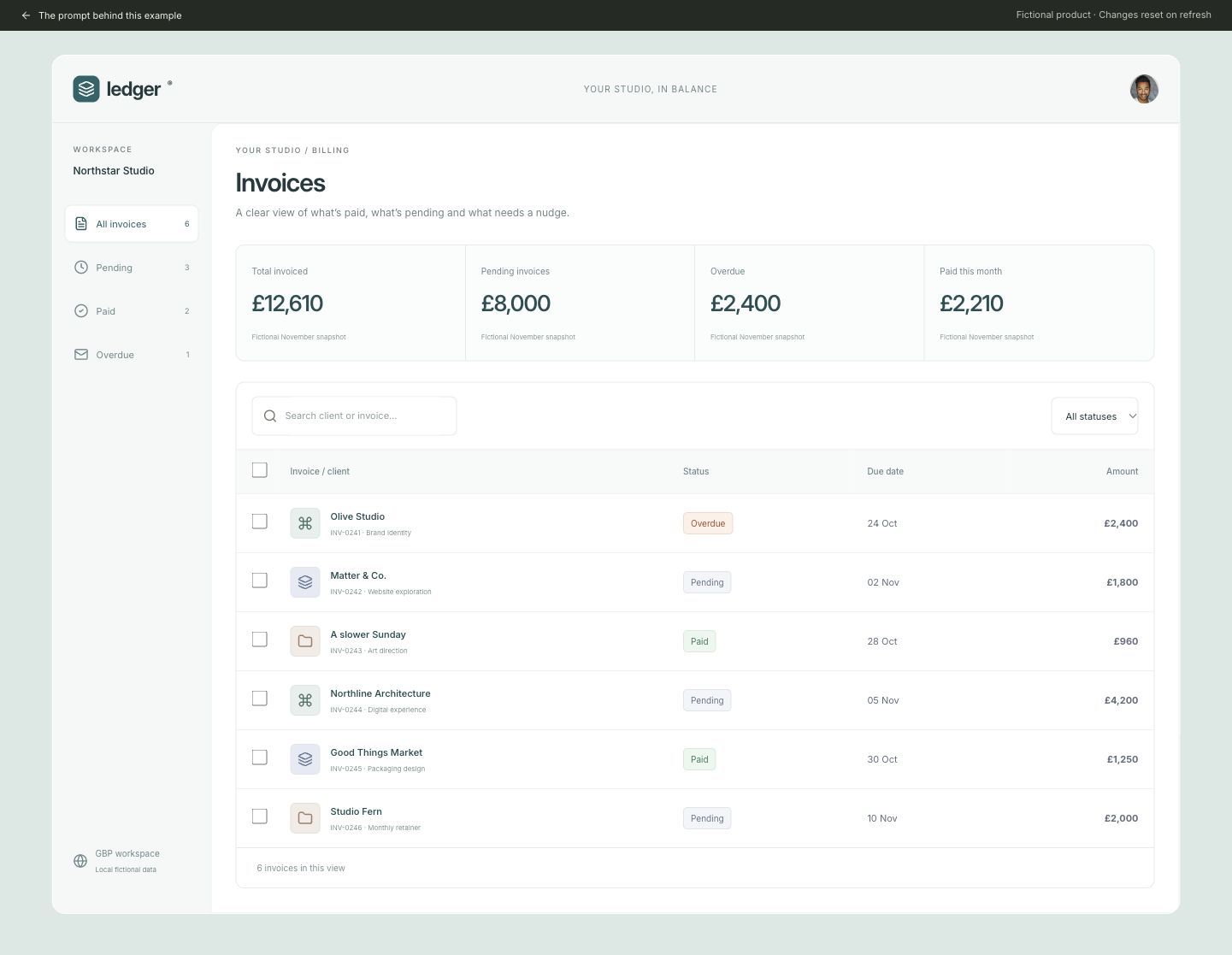
A studio operations lead needs to find invoices, select several and archive them without losing the filter.
What to explore
- Intersect invoice search with the sidebar and toolbar status filters.
- Select visible rows with checked and mixed states, then archive selected records.
- Preserve filters and offer Undo after archiving.
Make the brief yours
Ledger Studio starts with six fictional GBP invoices. Summary amounts are explicitly labelled as a fictional November snapshot; the live row counts and selection reflect the current local list. Use the bundled owner portrait and original client symbols.
Replace the fictional product and content with your own. Preserve the task, states and acceptance checks that matter to your use case.
Visual research & credit
Reference studied directly: muted teal presentation, pale navigation rail, white invoice work area, compact table and predictable bulk actions. Ledger uses original fictional invoices, symbols and local archive/undo behavior. View reference by Nadia Kapyrina
Stock portrait used as a fictional member avatar, not a testimonial or endorsement. View reference by Joseph Gonzalez / Unsplash
Original UI Prompts code, fictional branding and editorial brief. Reference designers did not write or endorse this prompt. This is an interpretation of visual patterns, not a reproduction of their product or assets.
A working example, with clear limits. State stays in memory and resets on refresh. No real account, upload, payment or booking is created. Independent prompt regeneration and usability outcomes have not been verified.