Write a UI prompt with constraints that matter
Give a brief enough context to guide the work: the task, real data, important states, boundaries, and checks that can actually be performed.
In this article
“Make this cleaner” leaves most of the design problem unresolved. A tool still has to guess who the interface is for, what matters most, what can change, and what happens when someone makes a mistake. A useful prompt supplies the context needed to make those decisions.
Our approach at UI Prompts is to make briefs comprehensive without padding them. Add information when it changes a design decision or makes the result easier to check. A long description of a visual mood rarely resolves missing behaviour.
Describe the person and the next useful action
Begin with a specific task. “A shopper needs to enter delivery details, understand the total, and review the order” gives a checkout brief a direction. It also helps explain why labels, validation, shipping choices, and totals belong in the same flow.
Add the circumstances that matter. Is the shopper on a narrow phone? Can they return from review to edit their address? Is payment outside the scope of this prototype? Those answers affect structure and behaviour more directly than a list of style adjectives.
Provide data and states that expose the problem
- Use realistic examples: long names, several rows, different status labels, and an empty result.
- Name the states someone must be able to recover from, such as invalid fields or a failed review step.
- Explain which values should update together, such as quantity, shipping, and the order total.
- State what must survive an edit, a view change, or a retry.
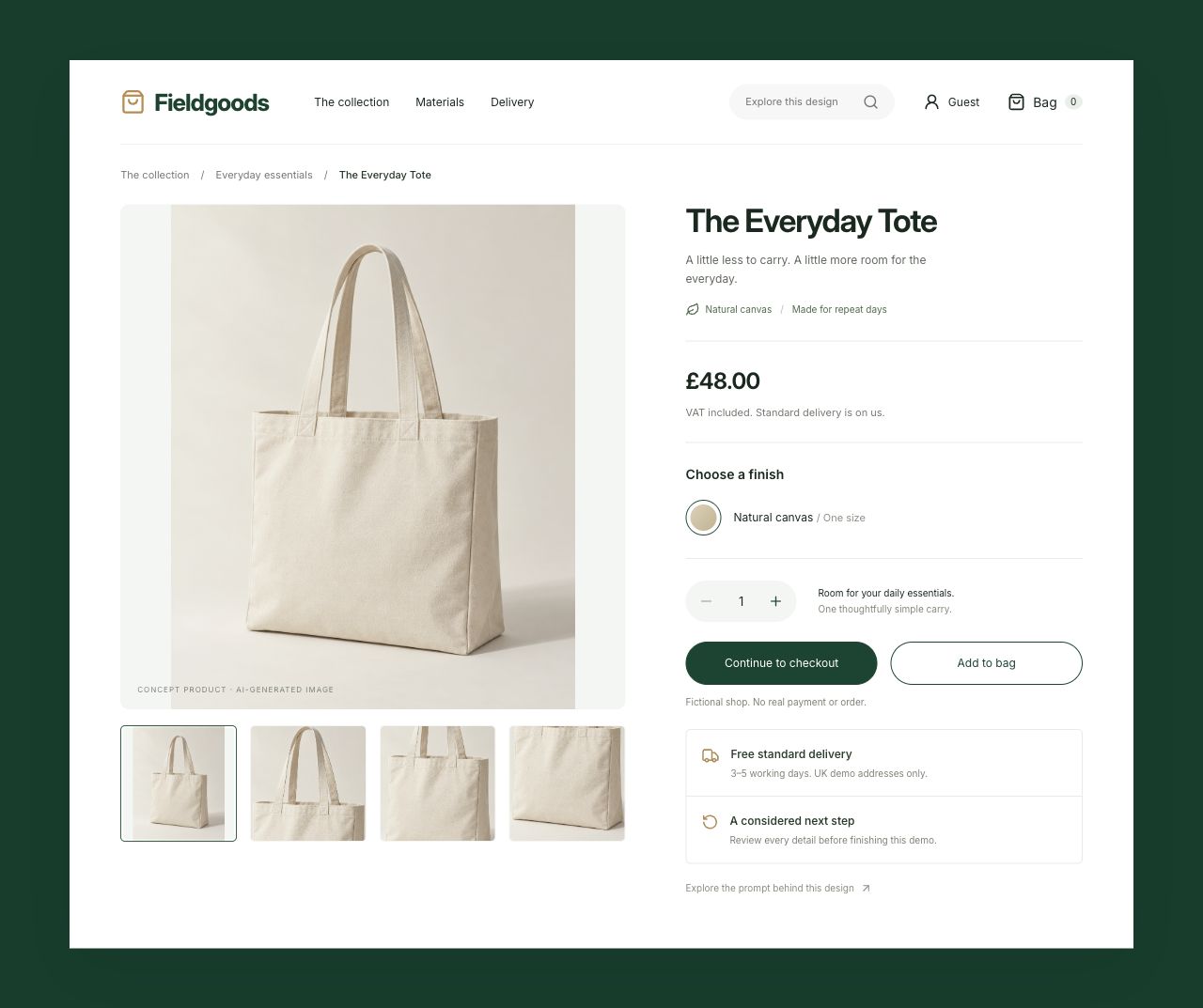
For Fieldgoods, a useful check is two £48 items with £6 express delivery: the total should be £102. That is more specific than asking for “correct totals.” It gives a reviewer a small, repeatable calculation and makes the intended behaviour visible.
State the boundaries of the work
Tell the tool what exists and what it should preserve. That might include the brand, current labels, navigation, data fields, or a component library already in use. Also state which services are outside the task. A local checkout prototype should not imply that a payment or order has been processed.
Distinguish an image from an implementation. An image can illustrate composition and hierarchy. An interactive prototype needs behaviour, keyboard access, state changes, and error recovery. Choose the deliverable explicitly so a polished picture is not mistaken for a functioning flow.
An example brief you can adapt
This is an original UI Prompts example, based on the constraints of our fictional checkout. It is a starting point to adapt, not a claim that the same prompt has been tested across AI tools.
Build a delivery-details step for a fictional shop selling a £48 item. A shopper should enter delivery information, choose free standard delivery or £6 express delivery, review the total, and return to edit their details.

Use persistent field labels. After an invalid submission, show clear field-level errors and preserve entered values. Support quantities from one to four and recalculate the item total, delivery charge, and overall total together.

On a narrow phone viewport, keep the reading order clear and all actions available. Provide accessible control names and visible keyboard focus. Include empty-form validation and a recoverable review error.

Use local fictional data. Do not connect payment, shipping, or order services, and do not imply that a real purchase has completed.

Acceptance: a reviewer can select two items and express delivery, verify a £102 total, reach review, return to edit, and find their previous information intact.
Review the result against the brief
Keep a short record of what changed after the first output. If you adjusted the layout, corrected a calculation, or refined an interaction manually, say so. That context helps the next person understand which parts came from the prompt and which required additional work.
Our library separates original editorial briefs, adapted sources, and implementation notes. When you contribute, include your exact instructions, useful follow-ups, relevant images, and the boundaries of what you checked. Those details make a prompt reusable as a workflow rather than a promise.
Original editorial by UI Prompts, written with AI assistance from documented project work. References are credited separately. These articles do not claim measured usability improvements or consistent regeneration across tools.