Checkout UI example: validation, totals and review
A practical checklist for adapting a checkout prompt: preserve entered details, keep totals consistent, and test editing and error recovery.
In this article
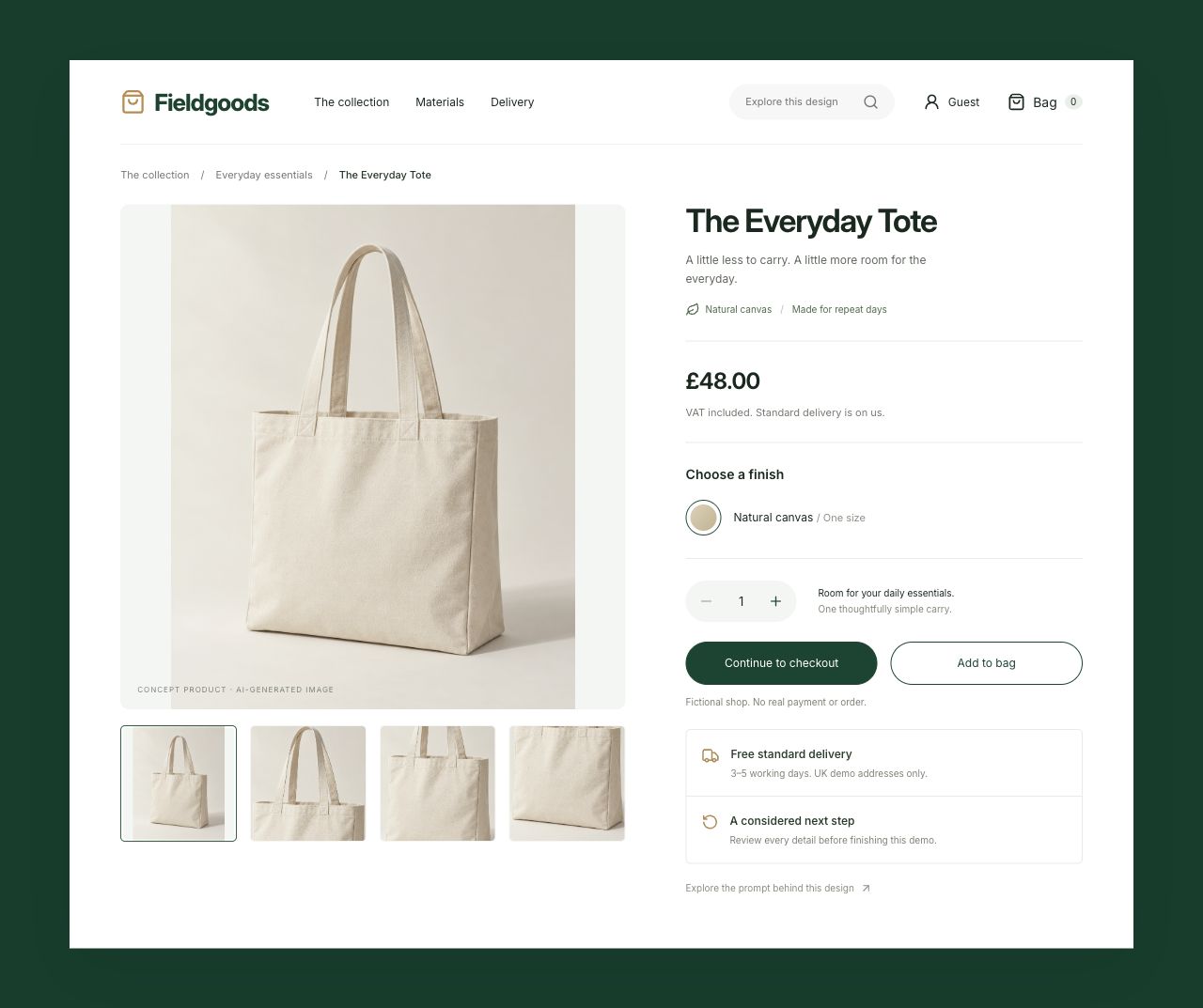
A checkout prompt needs to explain what happens when someone changes their mind or makes a mistake. The initial screen is only one state. Fieldgoods, our fictional shop prototype, pairs a product page with delivery details, an order review and a local completion screen. This guide turns that example into a short review process you can adapt to your own brief.
The prototype uses fictional products and local state. It does not take payment, verify addresses or create orders. Its purpose is to let you inspect the relationship between fields, totals and recovery. The checks below describe observable behaviour in this example; they are not evidence of improved conversion or a substitute for testing a real checkout with its users.
Define the sequence before styling the form
Start with the decisions a shopper needs to make: choose a quantity, provide delivery details, choose shipping and review the total. Name the transitions between those steps in the prompt. Explain which values must survive when someone returns to edit. A request for a polished checkout leaves those relationships to guesswork, even when the first screenshot looks complete.
In Fieldgoods, the product costs £48 and express delivery costs £6. Two items with express delivery should therefore total £102. Use an equally small, explicit calculation for your own prototype. If your real product has taxes, discounts or regional restrictions, define those rules separately rather than assume that a fictional example already handles them.
Review validation with an incomplete form
Submit without entering details. Check whether the messages identify the fields that need attention and whether the labels remain visible. Then fill only part of the form and submit again. Previously entered values should stay in place. The brief should specify this preservation requirement so that correcting an error does not become a second data-entry task.
Use fictional values while exploring the demo. In a production flow, decide which checks belong in the browser and which require a server response. A formatted email or postcode does not prove that it belongs to a real person or address. Keep those claims out of a prototype unless an actual verification service supports them.
Check totals and return-to-edit together
Continue to review, return to the delivery step and change a value. Check quantity, shipping and the overall total together. Changing express delivery to standard should update both the shipping row and the final amount. The shopper should not have to remember which version of the form produced the number currently displayed.
This is also a useful prompt-writing test. “Keep totals correct” sounds clear until an implementation has to decide which values are authoritative. State the calculation, the supported quantity range and the places where the result appears. Review the same sequence after a visual redesign so that a layout change does not conceal stale state.
Include a recoverable failure and a narrow screen
Use the demo controls to simulate a review error. Recover and check that the selected quantity and entered details are still available. An error message should give the next useful action without implying that an order or payment has completed. Real services need additional decisions about retries and duplicate requests; this local demo does not establish those guarantees.
Repeat the flow on a narrow phone viewport and using a keyboard. Look for persistent labels, visible focus, readable totals and access to both forward and edit actions. Check the order in which controls receive focus. These are review tasks rather than a claim that the example has passed every accessibility requirement; record what you actually checked and resolve remaining issues before production use.
Adapt the brief around your actual boundaries
Copy the full prompt from the checkout example, then replace the product, fields, quantity rules and delivery options with your own constraints. State which existing components and brand details must stay. Identify any real payment or order integrations as separate implementation work, including the failure and confirmation states they need. Keep an explicit list of what remains fictional.
Finally, record a short acceptance sequence: two items, express delivery, £102 total, review, return to edit and recovery after an error. Change that sequence when you change the rules. A reviewer can then repeat the same task after each iteration and distinguish a visual improvement from a functioning flow. The useful deliverable is a brief and an interface whose behaviour can be inspected together.
Original editorial by UI Prompts, written with AI assistance from documented project work. References are credited separately. These articles do not claim measured usability improvements or consistent regeneration across tools.